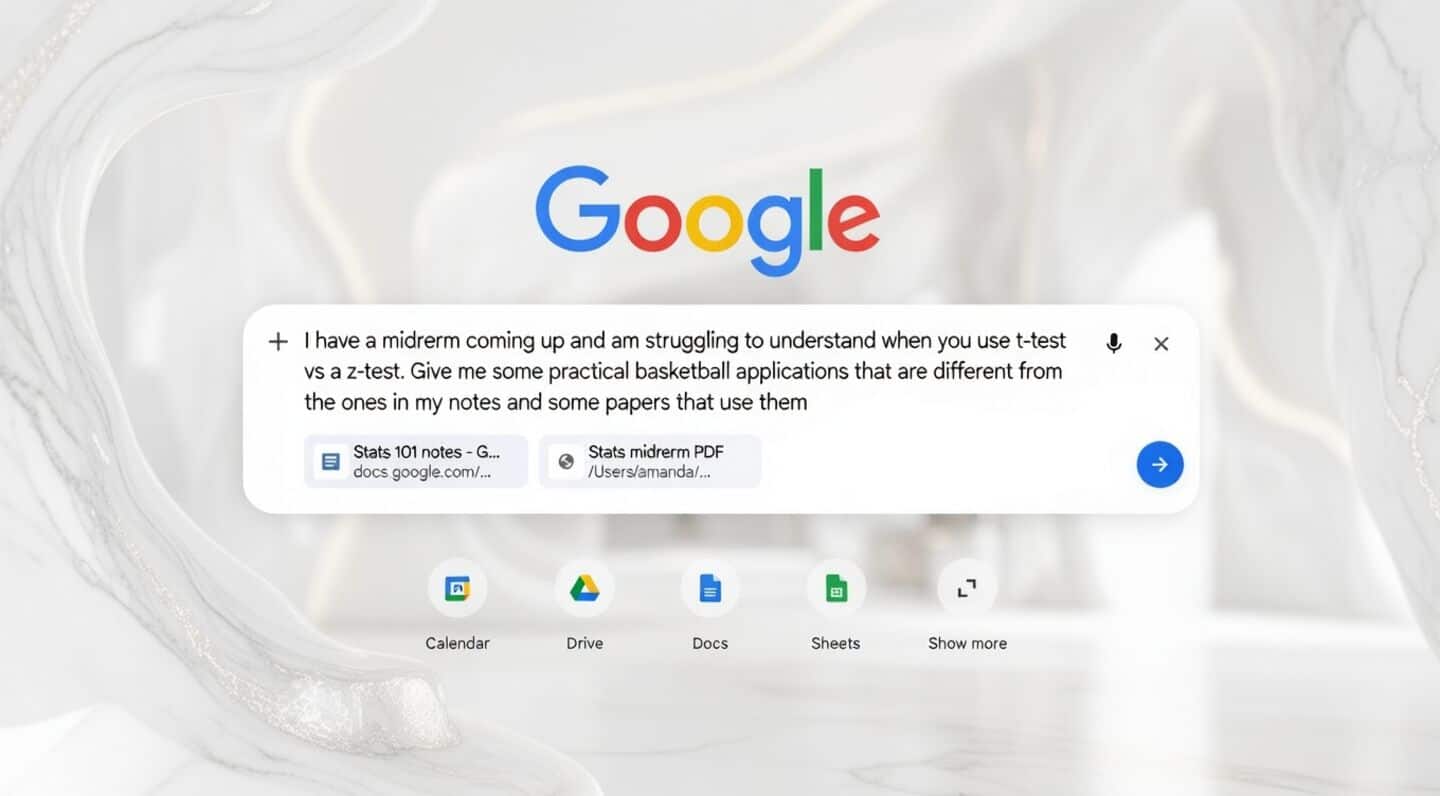
Chrome introduces AI mode with Google's Gemini AI integration
Chrome just got a major upgrade with its new AI Mode, letting you chat directly with Google's Gemini AI right inside your browser.
No more hopping between tabs. Now you can get help, brainstorm ideas, or ask questions without leaving your page.
This feature is rolling out on both desktop and mobile, making browsing and using AI feel way more seamless.
How to access AI mode
On desktop, just open a new tab and pick "AI Mode" to start chatting instantly.
On your phone, tapping the search bar brings up a full-screen search/address bar UI where you can upload images or files straight from your camera, gallery, or files apps.
You can also view all your open tabs in a grid and easily switch between different versions of Gemini 3.
For now, it's available in US English but will expand to more countries and languages soon.